
Blender
Make two sounds work together: kick and bass, vocal and music.
Put Blender on track A and send it track B. It compares the two and carves room on A exactly where B needs it, with a style you pick, from natural to creative. It also tells you what to do on track B to finish the job.
- Type
- Audio effect with sidechain
- Hosts
- Logic Pro
- Formats
- AU · VST3
- Platform
- macOS, Apple Silicon and Intel
- Status
- Coming soon
Inside Blender
Four styles
Natural, Balanced, Definition and Creative processing.
Spectral shaping
Masking, phase, stereo and correlation views of both sources.
Pair controls
Fit amount, low end, harmonic and transient priority, stereo complement.
Workflow buttons
Analyze, Apply fit, Auto, Follow, Phase fix, Auto balance and Volume match.
Shaping tips for B
Suggested EQ moves for the other track.
Check your track free
The free TrackIQ check points to Blender when two parts pile up in the same range.
More views
Blender is coming soon.
It will be available here from LoomWorx, for macOS.

KickFit SC
Ducks the bass only where and when it clashes with the kick.
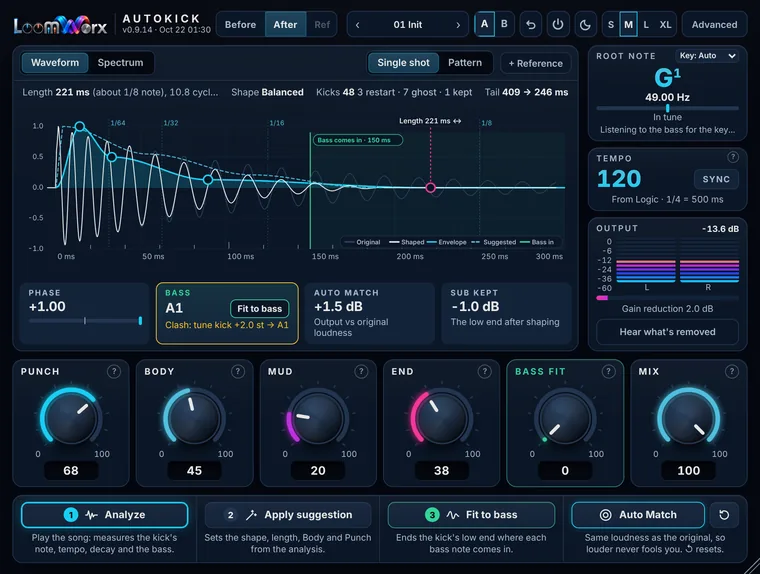
AutoKick
Shapes every kick to the tempo and the bassline in a few clicks.
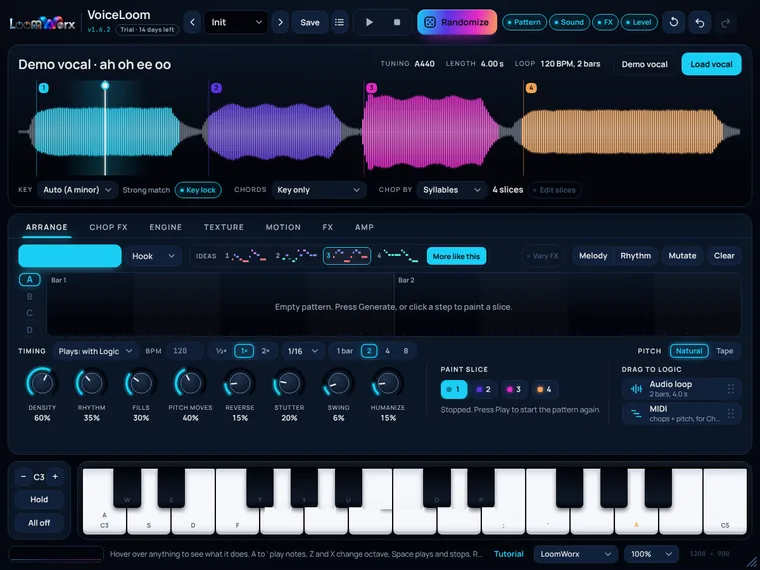
VoiceLoom
Sing it once. Play it as a synth, a vocal chop hook or in-key FX.